
See PDF ideas for “linkedin profile”
Sign in, or create a free account in under a minute, and we’ll take you straight to the ranked ideas, demand and trend data for this topic.
Find PDF ideas people are searching for right now
PDFMinter is a free PDF guide maker. Type a broad topic: we scan Google, YouTube, Bing, DuckDuckGo, Amazon, Google Trends, Reddit and Wikipedia, then rank the questions you can turn into guides, checklists and ebooks.
Trending today
United StatesWhat people are searching in the last 24 hours (Google Trends), updated every hour. Click any trend to explore PDF angles.
Create your free account
- Live trend search across 8 sources
- Ranked ideas with demand, trend, effort and competition
- Outlines drafted from what people really search
- Drag-and-drop PDF builder with your brand
- Download a print-ready PDF or share a link
Free plan: 5 PDF downloads a month · 10 topic searches an hour
How it works
- DiscoverSearch a topic and see ranked, real questions with demand and trend direction.
- PickChoose an idea — the outline is drafted from what people actually search.
- MintEdit in the drag-and-drop builder, brand it, and download a polished PDF.
What you can make
Pick a format for each idea. Every template is fully editable, with your colours, fonts and logo.
Guides
Step-by-step answers to the questions people search, with tips and examples.
Checklists
Short, printable lists people tick off: packing, cleaning, launch, moving day.
Ebooks
Longer, chaptered books for topics with lots of demand and depth.
Worksheets
Fill-in pages, planners and trackers people use again and again.
Reports
Data-led summaries and comparisons for business and research topics.
Questions
Is PDFMinter free?
Yes. Create a free account to search trends and build PDFs. The free plan includes 5 PDF downloads a month.
Where does the trend data come from?
From public search signals: search suggestions from Google, YouTube, Bing, DuckDuckGo and Amazon, interest over time from Google Trends and Wikipedia, and real questions people ask on Reddit. We show relative demand and trend direction, never invented “searches per month” numbers.
How do I pick a topic that sells?
Look for an Opportunity score of 60 or more, low or medium competition, a Rising or Evergreen trend, effort you can manage and enough demand. Then make the title specific: who it’s for and what problem it solves.
Do I need API keys or design skills?
No. Trend search works out of the box, and the builder gives you ready-made templates. Just edit the text and add your brand.
Who owns the PDFs I make?
You do. Your drafts and saved ideas are private to your account, and you can sell or give away the guides you create. For health, money or legal topics, check your facts and add a short “not professional advice” note.
Ready to mint your first PDF?
Find a topic people want, get an outline in seconds and download a polished guide today.
Create your free accountFrom our Amazon store
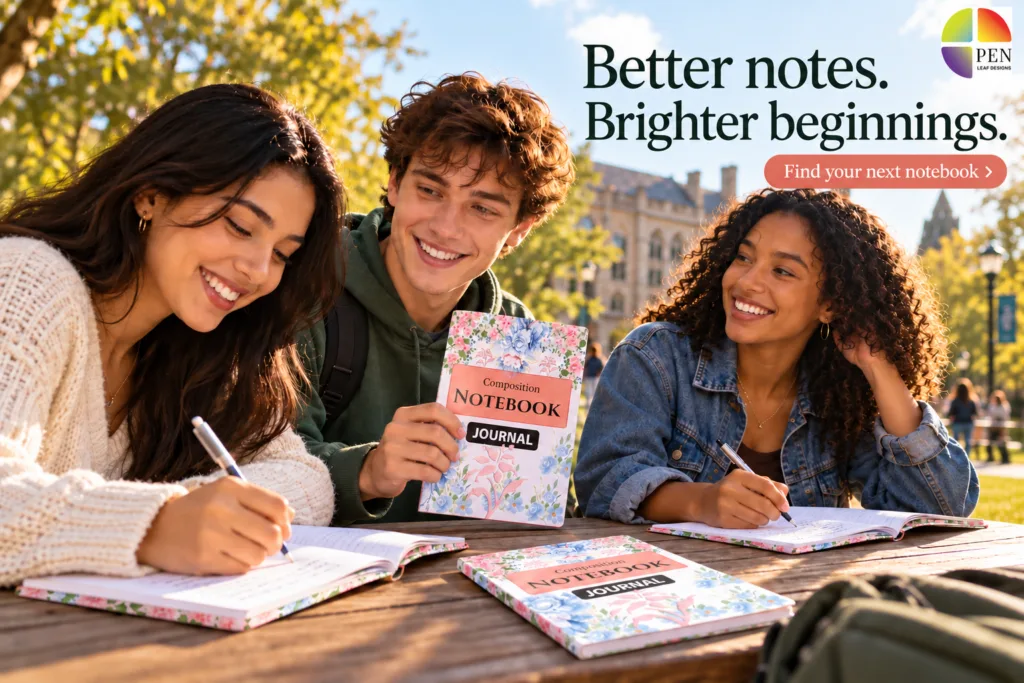
Notebooks and journals for school, work and big ideas.

Pick a PDF topic people actually want
You don’t need to guess. Every idea in the Trend Lab comes with a small card full of clues. This short guide shows you how to read those cards, how to pick a topic that can sell, and how to turn it into a finished PDF with our PDF guide maker.
Search a topic
Type a broad topic of 1–3 words, like keto diet, budgeting or puppy training. Choose your country and click Find trends.
Read the cards
You get a list of ideas. Each card shows how many people want it, how fast it’s growing and how crowded it is. Use the 5-point checklist below.
Use the PDF guide maker
Click Use this topic. The PDF guide maker writes the outline from real searches. You edit it, add your brand and download your PDF.
What every part of a topic card means
Here is a real card from the Trend Lab. Each colour and number is a clue. Green is good, yellow is OK, red means “be careful”.
What is keto? The Complete Answer
The best type of PDF for this idea: Guide, Checklist, Ebook, Planner, Worksheet, Cheat sheet or Report.
Tip: short guides and checklists are the fastest to make.Is interest growing? Breakout and Rising are growing fast. Evergreen is steady all year. Cooling is going down.
Good: Breakout, Rising or Evergreen. Skip: Cooling.The overall score from 0 to 100. It mixes demand, trend, PDF fit, effort and competition into one number.
Good: 60 or more. But never choose by this number alone.How many people are searching for this, compared with the other ideas in your search.
Good: 50 or more. The higher, the bigger the audience.How well the idea works as a PDF. “How to”, plans, lists and checklists score high. News and famous names score low.
Good: 50 or more.How much work the PDF will take. “101 recipes” is a lot of work. “A 7-day plan” is less.
Good for beginners: Easy or Medium.A quick label for the Demand number.
Good: High, or Medium if the topic is Rising.An estimate of how many big websites, videos and products already cover it. Low competition means it’s easier to get noticed.
Good: Low or Medium.Where people searched for it: Google, YouTube, Bing, DuckDuckGo, Amazon, Google Trends, Reddit and Wikipedia.
More sources means more proof that people really want it.The 5-point checklist for a profitable topic
Check each card against these five points. The more ticks, the better the topic.
Opportunity 60+
The overall score is 60 or more.
Low or Medium competition
Fewer guides already exist, so yours can stand out.
Rising or Evergreen
People want it more every week, or all year round. Skip anything marked Cooling.
Easy or Medium effort
You can finish it in a day or two, not a month.
Demand 50+
Enough people are searching for it to buy it.
Example: you searched “keto diet”. Which card would you pick?
Three real cards from the Trend Lab. Let’s check each one with the 5-point checklist.
Metabolic Psychiatry and Keto Diet: What You Need to Know
- Opportunity 76
- Low competition
- Rising +850%
- Medium effort
- Demand only 37
Few people search for it today, but interest is growing very fast and almost nobody has made a guide yet. If you publish early, you can be the first.
It’s a health topic, so use trusted sources and add a short “not medical advice” note.
101 Keto Diet Recipes
- Opportunity 78, the highest
- Demand 90
- Evergreen
- High competition
- Harder to make
It has the highest score, but thousands of free recipe sites and books already exist, and 101 recipes is a lot of work.
What is keto? The Complete Answer
- Opportunity 63
- Low competition
- Evergreen, sells all year
- Medium effort
- Demand 70, high interest
Lots of people want it, very few good guides exist, and it’s easy for you to make. Every beginner starts with this question.
From topic to finished PDF, step by step
When you’ve found your topic, making the PDF takes six simple steps.
Save your favourites
Click the bookmark on any card you like. They wait for you in Saved.
Use the Rising tab to see the fastest-growing ideas first.
Click “Use this topic”
Choose the format (Guide, Checklist, Ebook…) and click Create PDF. PDFMinter drafts the outline from the questions people really search.
Make it yours
Go through each section. Add your own tips, simple steps and real examples. Delete anything you can’t explain well.
Answer the questions people search. That’s what they pay for.
Add useful extras
Add a checklist, a table, a meal plan or a worksheet. People love things they can print and use.
Brand it
Pick your colours and font, add your logo and a strong cover title. Then preview every page.
Download and share
Download the PDF, or share it with a link. Sell it in your shop, or give it away for free to grow your email list.
Track a topic and PDFMinter checks it every day for new ideas for your next guide.
What makes a guide people pay for
Check your finished PDF against these four points.
One problem, one promise
“Keto for Beginners: Start in 7 Days” sells better than “All About Keto”. Promise one clear result.
Say who it’s for
Put the reader in the title: “for busy moms”, “for over 50s”, “for students”. People buy what feels made for them.
Add tools, not just text
Checklists, plans, trackers and worksheets make a guide worth paying for.
Be clear and honest
Keep it short and correct. For health or money topics, use trusted sources and add a “not professional advice” note.
Ready to find your first topic?
Search a topic, use the 5-point checklist and have your first PDF ready today.
Open the Trend Lab
Student Resume + Free Cover Letter
Write your first resume with YoungResume
YoungResume is a resume maker for students and recent graduates. Fill in your school, skills and projects, download a clean PDF resume, and write a free cover letter for your first job.
AI Background Remover
Remove photo backgrounds with Clearcut Studio
Clearcut Studio is a free AI background remover that works right in your browser. Upload a photo and get a clean cutout of people, products or pets in seconds.

Resume Builder + Free Cover Letter
Build a job-winning resume with LikeResume
LikeResume is an online resume builder with ready-made templates and a live preview. Fill in your details step by step and download a print-ready PDF resume, plus a free cover letter to match.